Zapier, Make and n8n handle short, predictable workflows well. An AI agency is worth it when the work touches custom systems, messy data or customers.
AI automation tools like Zapier, Make and n8n suit short, predictable chains of steps between apps you already use. Hire an AI agency when the work involves custom systems, messy data or customers, and someone must own the result. Many businesses use both: a tool for simple tasks and an agency for the core process.
Key takeaways
- A tool is enough when the job is a short, fixed chain of steps between apps you already use, and a mistake is cheap to fix.
- Bring in an agency when the work touches custom systems, messy data or customers, and someone has to own the result.
- Price every option over 12 months at your real volume, and include the staff time spent setting it up and fixing it.
AI automation is software that runs a chain of business steps on its own. It uses an AI model for the steps that need reading or judgment, such as sorting an email or drafting a reply.
This guide compares the popular platforms, explains where they reach their limits, and covers costs, customer support and data security.
What are the best AI automation tools for small businesses?
The best AI automation tools for a small business are the ones that integrate with the applications you already pay for. For most small teams, the realistic shortlist is Zapier, Make and n8n, and each platform charges for a different unit of usage. As a result, the same workflow can cost very different amounts depending on the platform you choose.
| Tool | Best for | What you pay for | Entry point (September 2026) |
|---|---|---|---|
| Zapier | Teams with no developer who connect common apps | Tasks: each action that completes | Free plan with 100 tasks a month, two-step Zaps only; Professional from $19.99 a month, billed yearly |
| Make | Visual flows with many steps and branches | Credits: each module action | Free plan with 1,000 credits a month and 2 active scenarios; cheapest paid plan listed at $9 a month for 5,000 credits |
| n8n | Teams with a developer who want control or self-hosting | Executions: one full run of a workflow | Free self-hosted Community Edition; cloud plans from €20 a month, billed yearly |
These figures come from each vendor’s official pricing page: Zapier pricing, Make pricing and n8n pricing. Confirm them again before you subscribe, because vendors revise their plans regularly.
The billing unit matters more than the entry price. Zapier does not count triggers or built-in utilities, such as Filter and Formatter, as billable tasks. Make counts every module action as one credit (AI features can use more), while n8n counts a workflow run as a single execution, regardless of the number of steps.
Consider a workflow with one trigger and nine actions that runs 1,000 times a month. In n8n, that equals 1,000 executions. In Zapier, the same workflow can consume about 9,000 tasks, and Make will count a similar number of credits.
Before you choose a platform, confirm four things:
- Every application in the workflow has a ready-made connector, not only a generic web request.
- You have priced the plan at your realistic monthly volume, not the free tier.
- A named person is responsible for fixing the workflow when a run fails.
- You know which information passes through the tool and where the vendor stores it.
Also review the software you already own. Your help desk, CRM or email platform may already include AI features that draft replies or categorize messages, with no additional subscription.
When is a tool enough, and when do you need an agency?
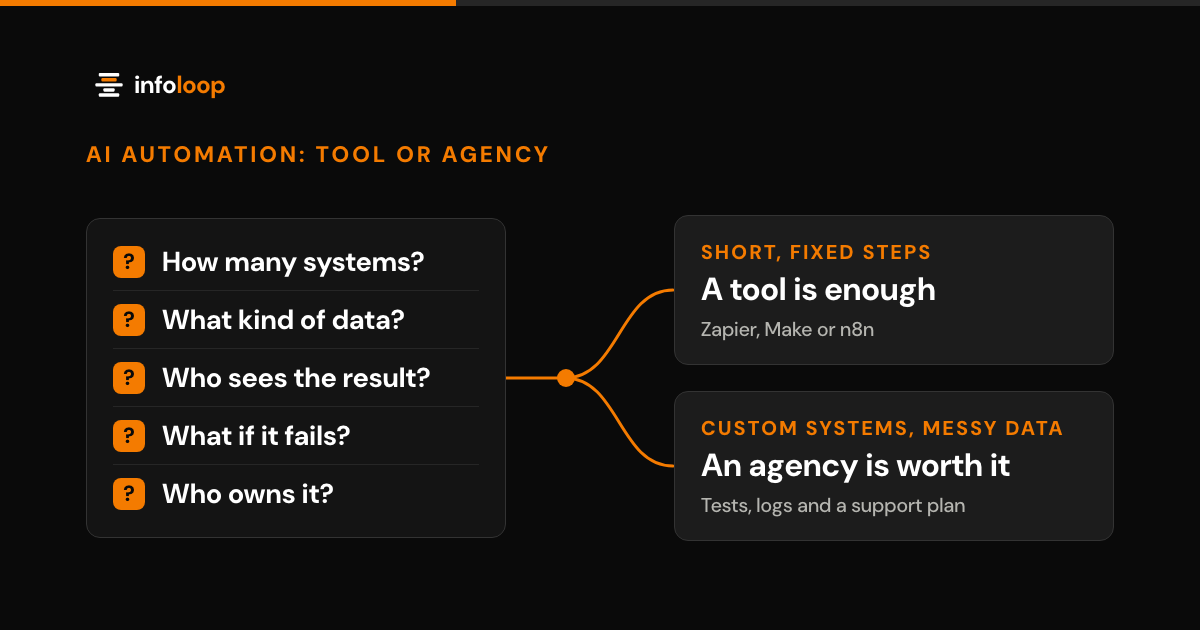
A tool is enough when one person can configure the workflow in a day and a mistake is cheap to fix. You need an agency when the process spans custom systems, requires judgment on unstructured data, or affects customers and financial records. An AI agency is a firm that designs, builds and supports custom AI systems for your business.
| Question | A tool is enough | An agency is worth it |
|---|---|---|
| How many systems? | Two or three common apps | Custom, older or in-house systems |
| What kind of data? | Clean fields from forms and apps | Free-text emails, PDFs and scans |
| Who sees the result? | Your own team | Customers, suppliers or your books |
| What if it fails? | Someone reruns it later | Money, orders or trust are at risk |
| Who owns it? | The person who set it up | A team with tests, logs and a support plan |
If most of your answers fall in the right-hand column, a subscription tool alone will probably struggle. That does not mean you must abandon the tool entirely. A common arrangement combines a tool for internal alerts and simple data syncs with a custom application for the core process.
If you are comparing AI automation with AI agents, the FAQ at the end of this guide explains the difference. Our AI automation services page covers both.
Where do tools like n8n, Zapier and Make stop working?
These platforms stop being a good fit when the work is no longer a predictable list of steps. The limitations usually appear in five areas.
- Missing connectors. Older desktop software and internal databases often have no ready-made connector. Workarounds such as screen scraping or shared folders break whenever something changes.
- Judgment on unstructured input. An AI step can interpret an email or a PDF, but it will occasionally misread it. Someone has to test it on hundreds of real examples and decide what happens when it is uncertain.
- Failures halfway through a run. A run can update the CRM and then fail before it updates the invoice. Unless someone monitors the error log, the two systems now disagree.
- Cost at higher volume. Billing per task or per credit increases with every additional step and every run. A workflow that costs very little in its first month can become expensive after a busy quarter.
- Knowledge held by one person. Many workflows live in a single employee’s account. When that employee leaves, nobody understands how the workflow operates or why it was configured that way.
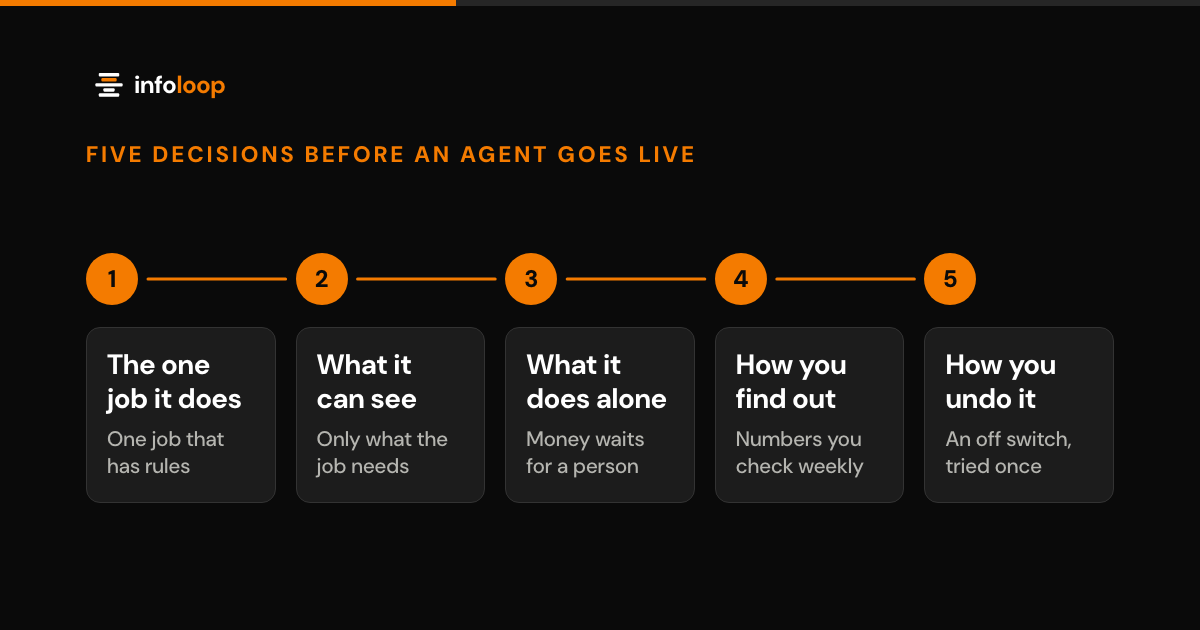
None of these limitations is a reason to avoid automation platforms. They are signals that a workflow has become part of how the business earns revenue. At that stage, it deserves the same engineering discipline as any other critical system. Our guide on how to ship an AI agent that survives production explains the limits, alerts and off switch that such a system needs.
How can you automate customer support with AI?
Start with the repetitive questions that already have documented answers, and let AI draft those replies from your help articles and order data. Route everything else to a person. A careful rollout usually follows six steps:
- Export three months of tickets and categorize the ten most common question types.
- Write or update the approved answer for each type in your help center.
- Connect the assistant to your help desk and order system with read-only access.
- Have the assistant draft replies that a support agent reviews and approves.
- Allow automatic sending for the safest question types once the drafts are consistently accurate.
- Track how many tickets it resolves, how quickly customers receive a first reply, and how often someone corrects it.
Your help desk may already offer AI reply features, so check before purchasing a separate product. A custom assistant makes sense when answers depend on information spread across several systems, such as orders, billing and delivery.
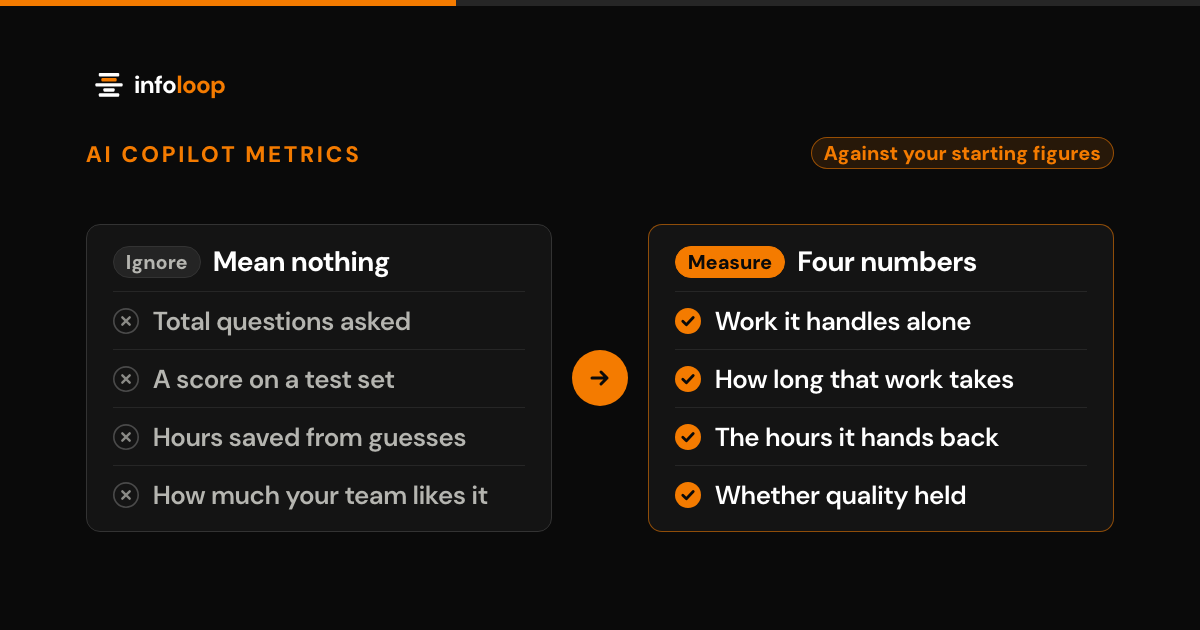
To evaluate the results, use the four measurements in the metrics that prove an AI copilot is working. One AI support assistant that Infoloop delivered for a fintech scale-up reduced manual support work by 72%. First response time fell to under two minutes, and the first version went live in five weeks.
What does AI process automation cost?
AI process automation costs $0 on a free plan and $9 to about $20 a month on entry paid plans (September 2026). Custom work costs more, so the fair comparison is the total cost over 12 months, not the monthly price on a pricing page.
For a subscription tool, add up three costs:
- The plan that covers your realistic monthly volume, not the entry tier.
- Any additional charges for AI steps or premium applications, if your plan includes them.
- The staff hours spent on configuration, failed runs and updates whenever an application changes.
For an agency, request three things:
- A written estimate before any development starts.
- A fixed price when the scope is clear, or hourly billing when the scope will evolve.
- The cost of support after launch, quoted as a separate line.
At Infoloop, custom software starts from $15k, and most projects go live in 4 to 8 weeks. Compare that investment with a year of subscription fees plus the hours your team spends on maintenance. If a workflow saves a few hours a month, a tool usually wins. If it processes thousands of orders or tickets, the case for a custom application becomes much stronger. If you are unsure which applies, process automation consulting prices each workflow separately, so you can decide one at a time.
How are data security and compliance handled in AI automation?
Treat every automation platform as a vendor that holds your data. You should know what information it reads, where it stores that information, and who can modify each workflow.
- Request the SOC 2 report. The AICPA defines SOC 2 reports, which cover a provider’s controls for security, availability, processing integrity, confidentiality or privacy.
- Grant the minimum access required. Connect each application with an account that can read only what the job requires.
- Review the run history. Automation tools often store a copy of the data from each run, so confirm the retention period and who can view it.
- Get the AI terms in writing. Confirm where your data is processed and whether the provider may use it to train AI models.
- Require human approval for risky actions. Anything that moves money, changes an important record or contacts a customer should wait for a person.
- Log every change. You should always be able to see who edited a workflow and when.
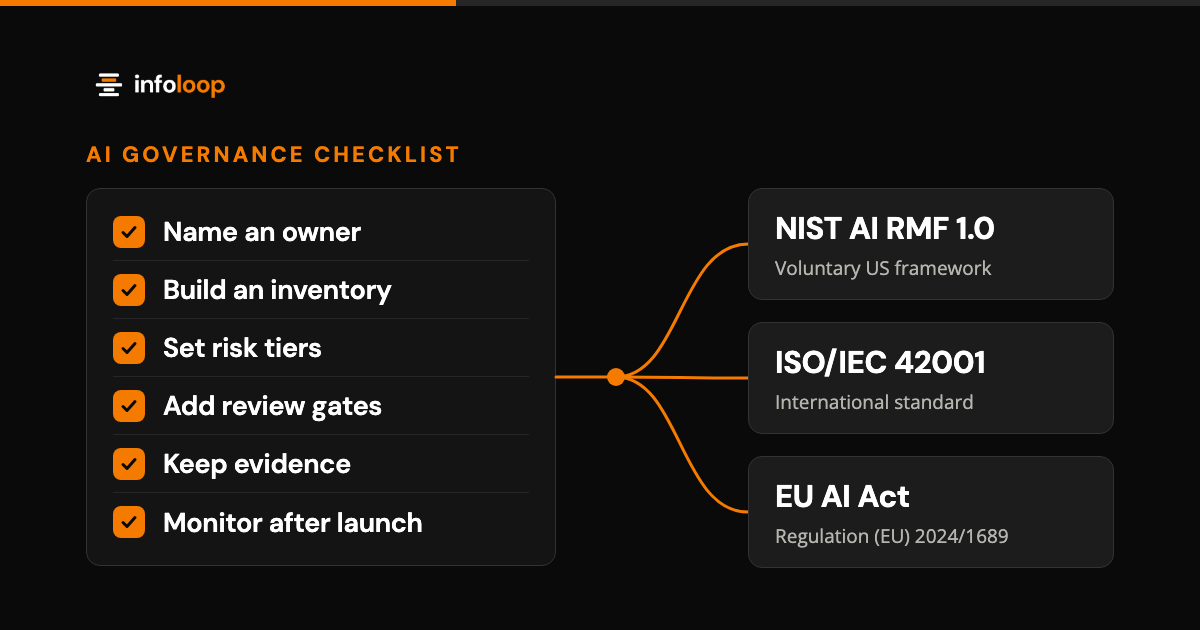
For a broader structure, the NIST AI Risk Management Framework is a free, voluntary guide that NIST released in January 2023 and is now revising. It organizes the work into four functions: Govern, Map, Measure and Manage. Our AI governance framework checklist converts that framework into practical steps for a small team. If you must track many regulations at once, Verko covers 15+ frameworks from the EU AI Act to SOC 2.
How Infoloop helps
Infoloop’s AI automation services are designed around the processes your business already follows. If a subscription tool or a simple form will do the job, we tell you. If the work needs a custom application, you receive a written estimate before development starts.
Published results include:
- An AI support assistant that cut manual support work by 72%. First responses fell to under two minutes, and the first version went live in five weeks.
- ERP and predictive maintenance software for a machinery maker that saves $1.2M a year and reduced unplanned downtime by 72%.
- Software from 50+ projects live in 6 countries, rated 4.8 on average across Trustpilot, Google, Clutch and GoodFirms.
Infoloop works with clients worldwide from offices in Surat, India, and Dover, Delaware. Book an automation discovery call about the process you want to automate. The 30-minute call covers your goals, users and constraints, and within a week you get a written proposal with the scope, timeline and estimate.
Frequently asked questions
What are the best AI automation tools for small businesses?
Zapier, Make and n8n are the usual starting points for small teams. Zapier suits people with no technical background, Make suits visual flows with many steps, and n8n suits teams with a developer. Pick the one that connects to the apps you already pay for, and price it at your real monthly volume.
When do you need an AI agency instead of an automation tool?
You need an agency when the work crosses custom systems, reads messy data or reaches customers. In those cases someone has to design it, test it on real examples and fix it fast when it fails. For short, low-risk workflows between common apps, a tool and a few hours of setup are usually enough.
What is the difference between AI automation and an AI agent?
AI automation follows fixed steps set by a person, and uses AI only for single tasks such as sorting an email. An AI agent chooses its own next step toward a goal and decides which tools to use. Agents handle more varied work, but they need tighter limits, more testing and human approval.
How can you automate customer support with AI?
Start with the repeat questions that already have written answers, such as order status or password resets. Connect an AI assistant to your help desk and records, let it draft replies that a person approves, then let it send the safest answers alone. Pass everything else to a person.
What does AI process automation cost?
Tool plans start free and rise with usage, so price them at your real monthly volume. Custom work costs more upfront. At Infoloop, you get a written estimate first: a fixed price for a clear scope, or hourly billing when the scope will change. Custom software starts from $15k.
How is data security handled in AI automation?
Treat every automation tool as a vendor that holds your data. Ask for its SOC 2 report, connect it with accounts that can read only what the job needs, and confirm in writing where data is processed and whether it trains AI models. Require a person's approval for risky actions.

Co-founder and CEO
Nimit leads Infoloop's custom software and AI work, for companies whose processes don't fit packaged software.